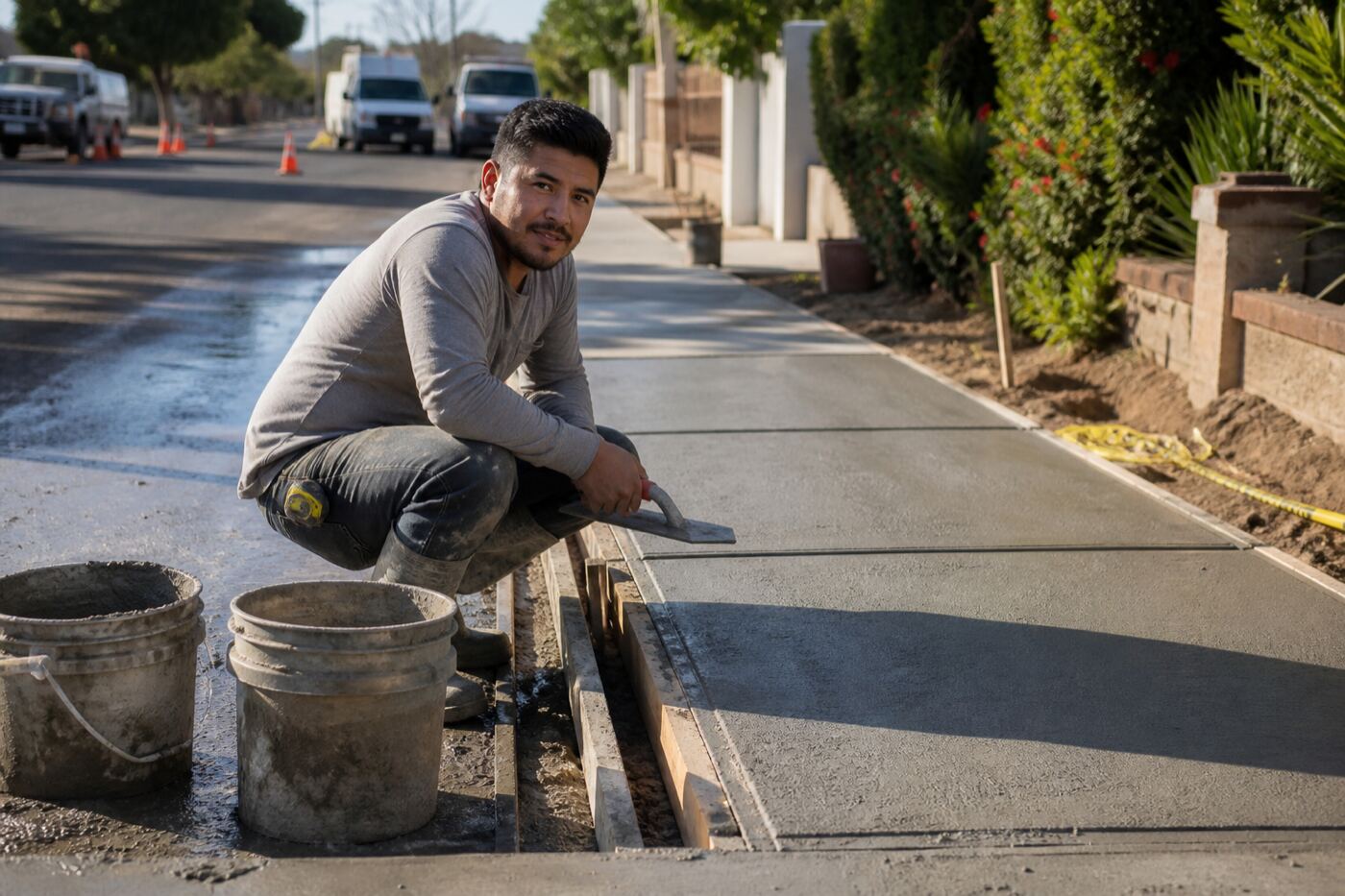
CONCRETE
We have your next concrete project invoice template — download the PDF + Excel here.
Logo, line items, due date, how to pay. Enter your email — we send both files.
Email me the Concrete invoice pack
We’ll send both the PDF and the Excel — one pack for concretes.
Email only — that’s how we deliver the files.
You’re on the list
We’ll email download links for the PDF and Excel to that address. Give it a few minutes, and check spam / promotions if you don’t see it.
These templates are free to use inside the DIRT app when you send invoices to clients for jobs — and you can create your own invoice templates to reuse on the next one.
What a solid concrete invoice needs
Clients pay faster when the invoice looks like a real business — not a random spreadsheet. This free concrete invoice template (also a contractor invoice sample) gives concrete a PDF and Excel with the fields that hold up: logo, business contact, client and job address, invoice number, dates, real line items, totals, and how to pay.
Searchers often look for a concrete invoice template — this is that file, blank amounts included.
What’s on the template
- Business name, license, phone, email, address
- Logo drop zone
- Client name and job address
- Invoice number, issue date, due date
- Labor, materials, trip/service call, permit, deposit credit lines
- Subtotal, tax (optional), total due
- Payment instructions (Zelle, check, card link, mail)
PDF + Excel together
Excel is for filling and editing. PDF is for sending or printing. Same structure — we email both after you enter your address.
How to fill it
- Paste your logo and company info once.
- Write line items the way the job actually ran — “8 hours rough-in,” not “labor.”
- Set the due date and how to pay so the client doesn’t have to ask.
- In DIRT, invoices can pull from the job so you’re not retyping the same lines.
Branded invoices get taken seriously
A plain “Invoice #001” sits in a pile. Your name and logo on the page make you look like the outfit that finishes the work and gets paid. That’s the point of this template — and of DIRT’s branded invoices in the app.
All invoice packs · Matching concrete bid / estimate · Branded invoices in DIRT
FAQ
What should a concrete invoice template include?
Business name, license, logo, client and job address, invoice number, issue and due dates, itemized labor and materials, tax if you charge it, total due, and how to pay. This concrete invoice pack covers those fields in PDF and Excel.
Do you have a concrete invoice template?
Yes. Free contractor concrete invoice — PDF and Excel emailed after you enter your address.
Is this a free contractor invoice template for concrete?
Yes. Enter your email — we send PDF + Excel with blank amounts. Logo-ready. Same field discipline as the matching bid / estimate pack.
PDF or Excel — which do I use?
Both. Excel to fill and edit; PDF to send or print. We email both files after you drop your address.
Can I put my logo on it?
Yes. There’s a logo drop zone on the template. Paste once, then reuse for the next job.
Does this work as a sample invoice I can copy?
It’s a blank concrete invoice sample with real line-item categories — labor, materials, trip/service call, permit, deposit credit — so you’re not inventing the layout every time.
Can DIRT send invoices from the job?
Yes. In DIRT, invoices can pull from the job so you’re not retyping the same lines. Branded invoices in the app use the same idea: look like a shop that finishes and gets paid.